

Huawei NE40E Series: Chassis, Boards and Spare Parts
The Huawei NetEngine 40E, commonly referred to as the NE40E, is a family of modular service routers used in carrier and large enterprise networks. Depending on the model and configuration, an NE40E may be deployed at the edge of an IP backbone, in an IP metropolitan-area network, at an enterprise WAN core, or as an aggregation or data-center egress router.
Because NE40E systems are modular, purchasing a replacement part involves more than matching a general board name. The chassis model, board BOM code, hardware generation, interface type, system software version, license status and optical module compatibility may all affect whether a component can be used successfully.
This guide explains the principal NE40E chassis and component categories and provides a practical checklist for purchasing Huawei NE40E spare parts.
Important: This article is an independent procurement guide based on publicly available Huawei documentation. Hardware support changes between product models and software releases. Always verify the exact BOM code and version mapping before ordering or installing a replacement component.
What Is the Huawei NE40E Series?
Huawei describes the NE40E Universal Service Router as a high-end network product primarily used in IP backbone networks, IP metropolitan-area networks and edge positions in other large-scale IP networks.
According to Huawei's current product information, the series supports a broad set of routing and service technologies, including:
- IPv4 and IPv6
- BGP, OSPF and IS-IS
- MPLS and MPLS traffic engineering
- L2VPN and L3VPN
- EVPN
- Segment Routing MPLS and SRv6
- Multicast and multicast VPN
- Quality of Service
- FlexE on supported hardware
- GRE and IPsec services on supported configurations
- NetStream and network performance monitoring features
The exact functions available depend on the NE40E model, installed boards, software release and applicable licenses. Huawei's NE40E Series overview should therefore be treated as a family-level description rather than proof that every chassis and board supports every listed feature.
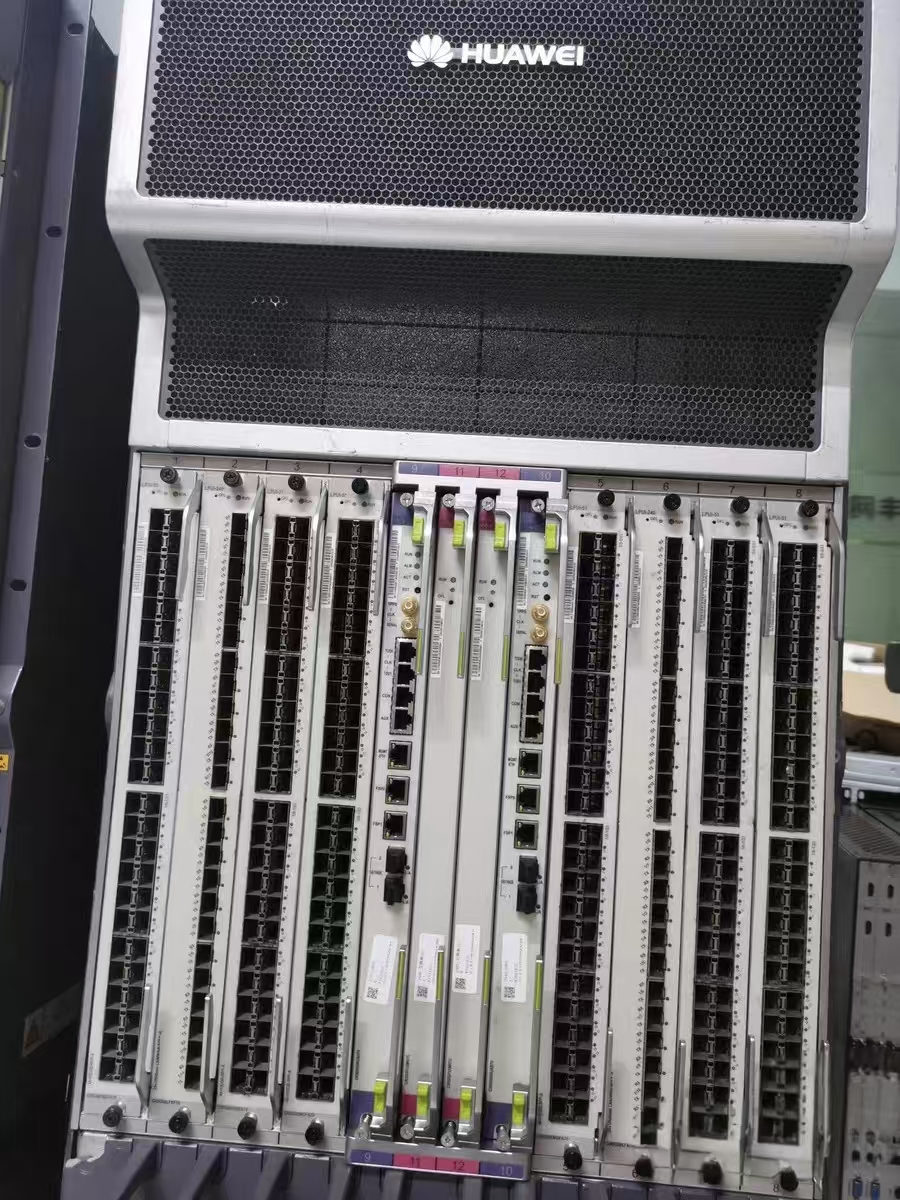
Huawei NE40E Chassis Models
NE40E products have been released in several chassis sizes and hardware generations. Huawei's product and support documentation references models including:
- NE40E-X3A
- NE40E-X8A
- NE40E-X16A
- NE40E-X8C
- NE40E-X16C
- Earlier NE40E-X3, NE40E-X8 and NE40E-X16 systems
- Compact NE40E-M and NE40E-M2 variants
The letter and number in the model name should not be treated as the only compatibility information. An X8A board is not automatically compatible with every other NE40E chassis simply because the devices belong to the same series.
For currently documented chassis and software releases, consult Huawei's NE40E Series support portal and select the exact product model and version.
NE40E-X3A
The NE40E-X3A is a comparatively compact modular chassis. It may be appropriate when rack space and interface requirements are lower than those of larger NE40E installations.
When sourcing parts for an X3A, check the restrictions carefully. Huawei's documentation shows that some newer boards have specific operating-mode requirements or cannot be mixed with certain older board families in the X3A. One example appears in the official LPUI-243 hardware description.
NE40E-X8A
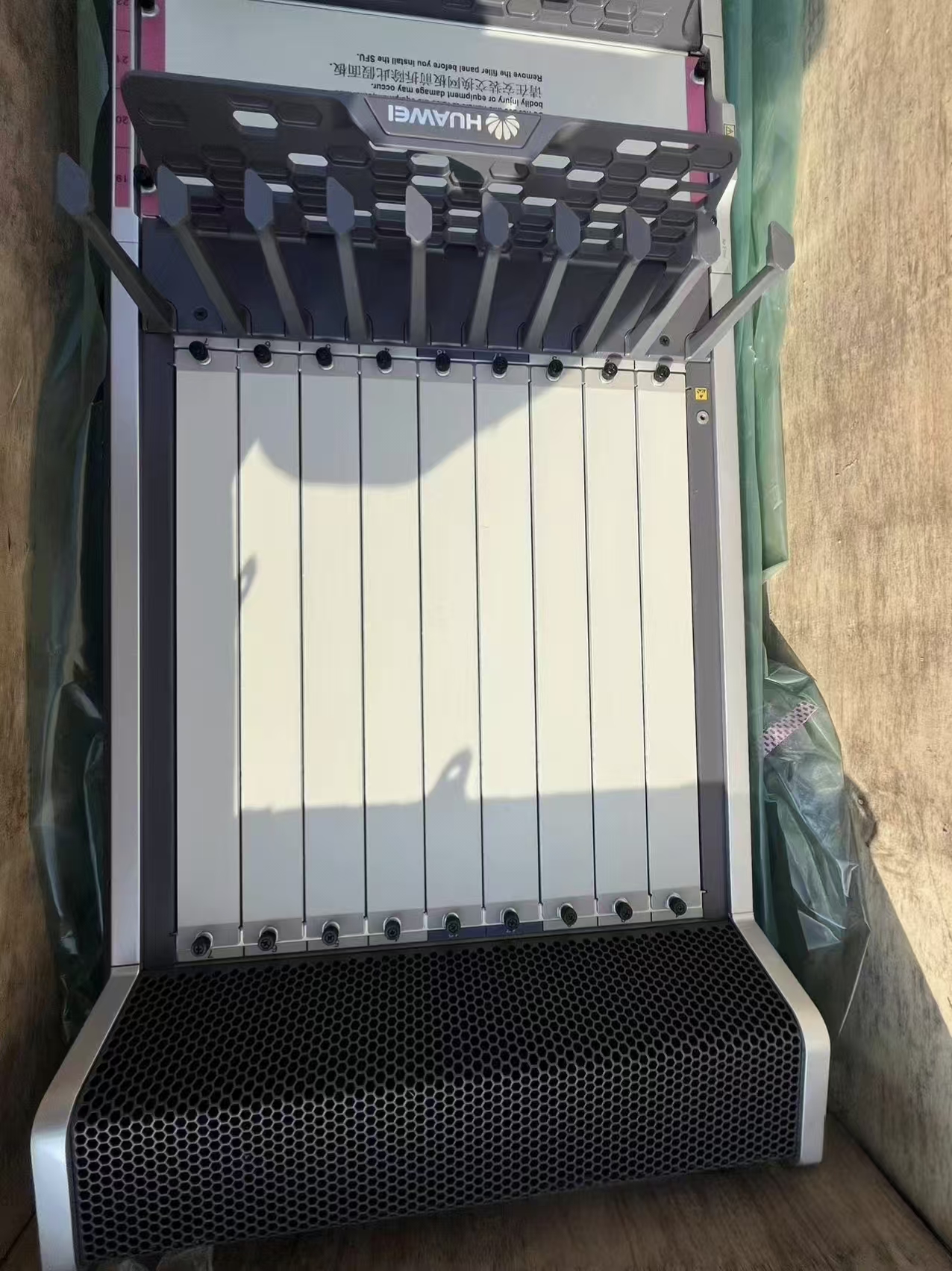
The NE40E-X8A provides a larger modular platform for networks requiring more service-board capacity. It is commonly encountered in carrier, ISP, government and large enterprise networks.
Before purchasing an X8A chassis or board, confirm:
- AC or DC power configuration
- Installed main control boards
- Switching fabric configuration
- Fan and power-module versions
- Available service slots
- System software release
- Required licenses
- Existing LPU and subcard types
Huawei provides an online NE40E-X8A Hardware Center for hardware and software-version mapping.
NE40E-X16A
The NE40E-X16A is a larger modular chassis designed for deployments requiring greater interface and service-board density.
A complete X16A configuration may include multiple control, switching, line-processing, power and cooling components. When purchasing an empty or partially populated chassis, request a complete slot inventory. A low chassis price may not include the MPUs, SFUs, LPUs, power modules, fan modules, optical modules or licenses required for operation.
Huawei's NE40E Hardware Description explains the control-plane and board architecture of the NE40E-X16A.
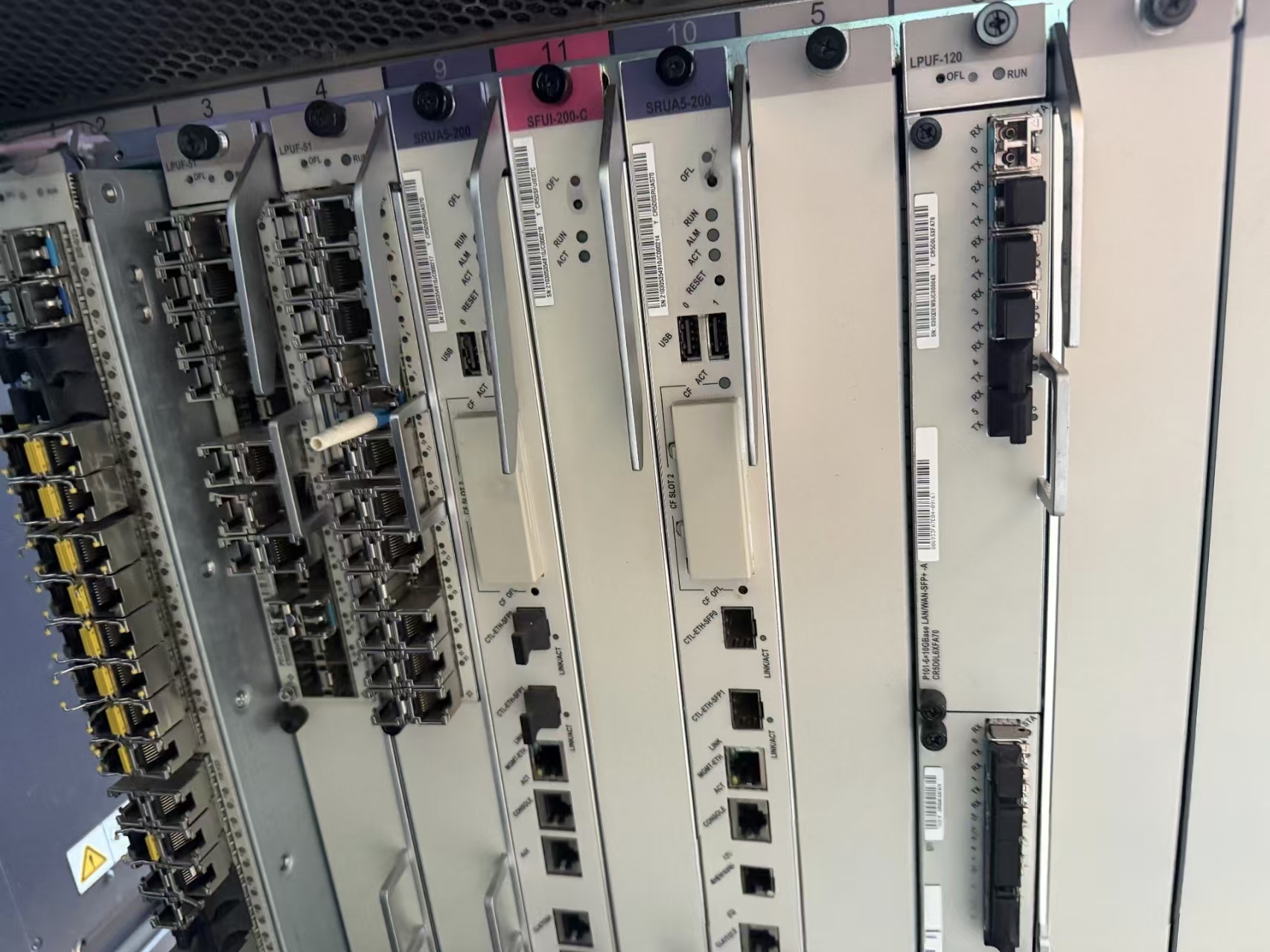
X8C and X16C Models
Huawei also lists the NE40E-X8C and NE40E-X16C in current documentation. These should not be assumed to accept exactly the same hardware as an X8A or X16A.
The suffix is part of the product identity. Always search the full chassis model, board model, BOM code and system release in Huawei's hardware-mapping tools.
Main Types of Huawei NE40E Boards
An NE40E router may contain several categories of boards. The precise names vary by chassis generation, but the following categories are commonly encountered.
1. MPU: Main Processing Unit
The MPU performs system control and management functions. Depending on the platform, its responsibilities may include:
- Routing-protocol processing
- Route calculation
- System management
- Configuration and startup-file storage
- Device monitoring
- Software and patch management
- Communication with other boards
- Clock-related functions on supported platforms
Redundant chassis configurations may use active and standby main control boards. The two boards must be compatible with the chassis and software release.
A replacement MPU also requires special attention to software, configuration and licensing. Huawei's whole-device replacement procedure explains that system software, configuration files, patches and license information must be considered when replacing a device. It also notes that license activation may be associated with the ESN of the main control board.
Therefore, a physical MPU replacement should never be treated as only a plug-and-play hardware purchase.
2. SRU: Switch and Route Processing Unit
On supported NE40E platforms, the SRU combines control and switching-related functions. Its exact role depends on the chassis architecture.
When requesting an SRU, provide:
- Chassis model
- Existing SRU model
- Full BOM code
- Current software version
- Required redundancy arrangement
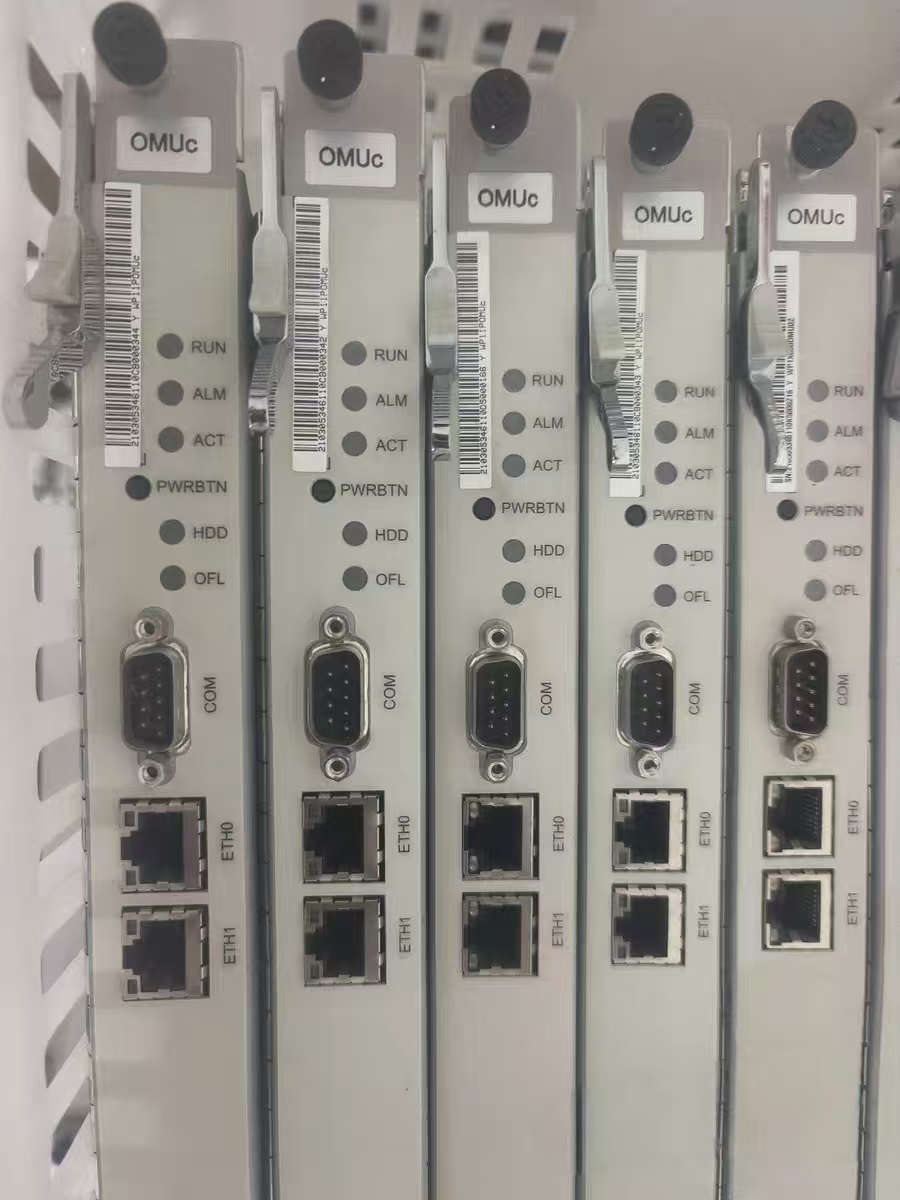
- Clear photographs of the original front panel and label
Do not order an SRU based solely on an abbreviated silk-screen name.
3. SFU: Switching Fabric Unit
The SFU provides switching-fabric capacity between service boards. Larger chassis may use several SFUs to deliver the required capacity and redundancy.
Important purchasing questions include:
- How many SFUs are required for the intended configuration?
- Are all installed SFUs from a compatible generation?
- Does the selected line card require a newer switching capacity?
- Does the chassis require a particular SFU arrangement?
- Are filler panels required in unused slots for correct airflow?
A chassis may power on with an incomplete switching configuration but still fail to provide the expected forwarding capacity or redundancy.
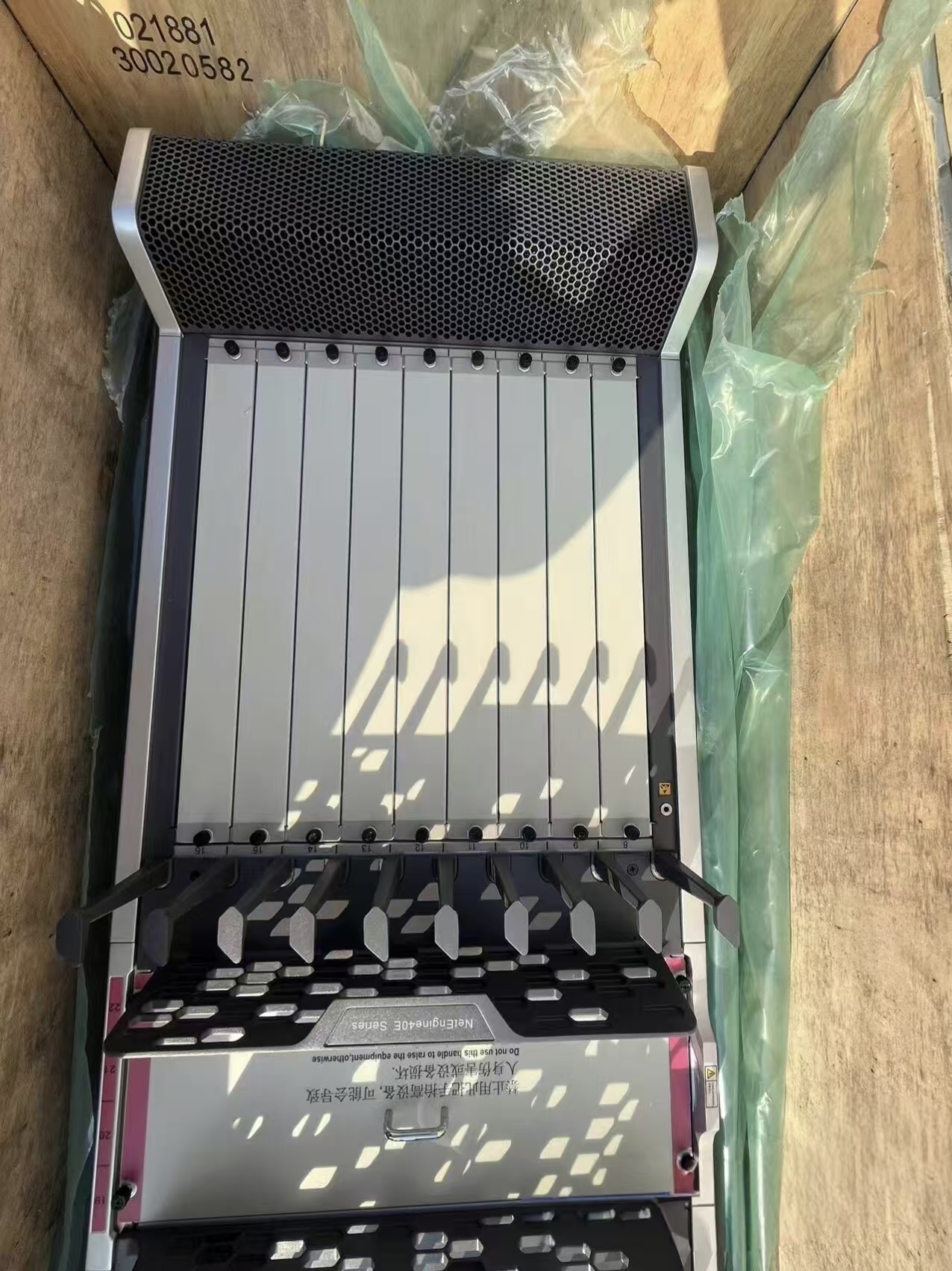
4. LPU: Line Processing Unit
The LPU processes and forwards service traffic. Different LPU families provide different interface rates, port densities and forwarding capacities.
Huawei's current NE40E hardware documentation includes multiple generations, such as:
- LPUI-21
- LPUF-50 and LPUF-51
- LPUI-51 and LPUS-51
- LPUF-120 and LPUI-120
- LPUF-200 and LPUI-200
- LPUF-240 and LPUI-240
- LPUI-241, LPUI-242 and LPUI-243
- LPUI-480
- LPUI-1T and LPUI-2T
These names represent different hardware classes and should not be used interchangeably.
For example, Huawei documents an LPUI-1T variant with eight 100GE QSFP28 interfaces. This specification applies only to the documented board model and BOM—not to every board carrying “LPUI-1T” in an informal sales title.
5. Flexible Cards and Subcards
Some NE40E LPUs use replaceable flexible cards or subcards. This architecture allows a motherboard to support different interface combinations.
Huawei documents several subcard sizes:
- Full-dimensional subcard
- Full-height, half-width subcard
- Half-height, half-width subcard
The motherboard, subcard size, interface type and software version must all match. A subcard with the correct connector shape may still be unsupported by a particular LPU.
Examples include P-series flexible cards providing GE, 10GE and other interfaces. Huawei's P52 hardware documentation shows that individual flexible-card variants have their own model numbers, BOM codes, port configurations and operating restrictions.
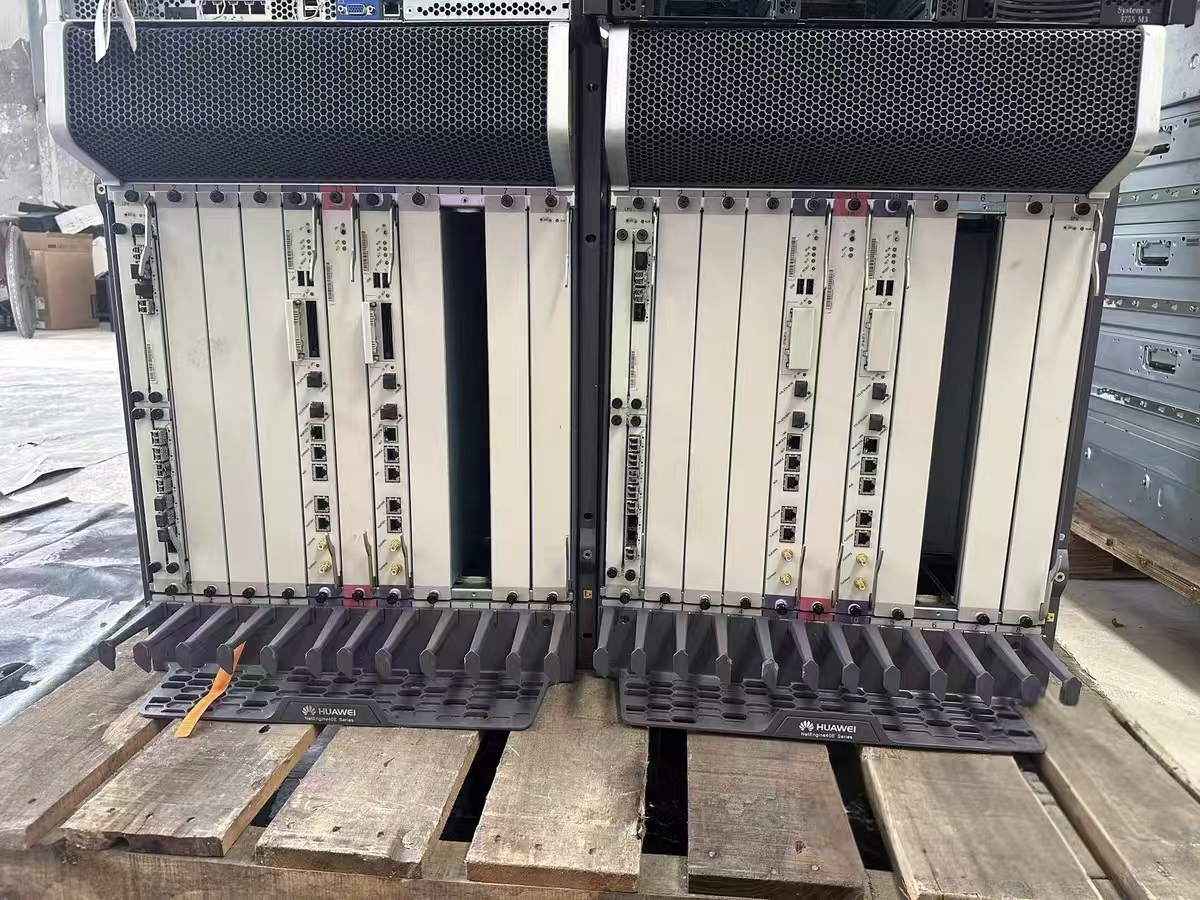
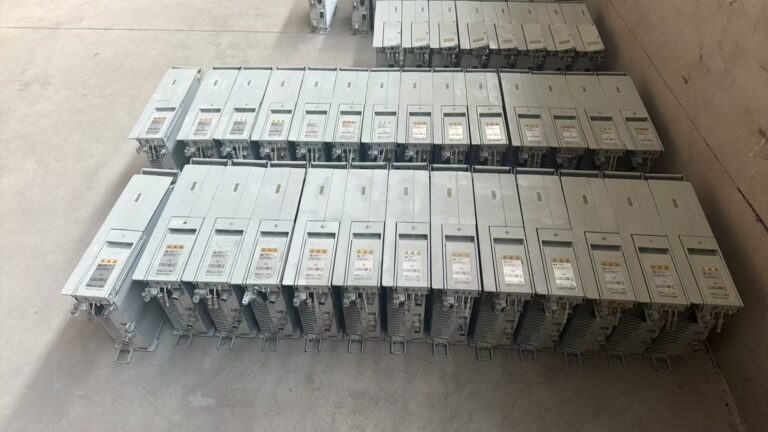
6. Power Modules and Fan Modules
Power and cooling components are essential spare parts, especially when higher-capacity boards are added to an existing chassis.
Check:
- AC or DC input
- Exact power-module model and BOM
- Required number of modules
- Redundancy mode
- Fan-module version
- Chassis hardware generation
- Total power requirements of the installed boards
Some high-capacity boards may require updated power supplies or fan modules. Huawei explicitly records such dependencies for certain products; for example, the official LPUI-2T documentation identifies configurations where fans and power supplies must be upgraded before the board can operate properly.
7. Optical Modules and Cables
An interface board does not automatically include compatible optical modules.
Confirm the following separately:
- SFP, SFP+, QSFP+ or QSFP28 form factor
- GE, 10GE, 40GE, 50GE or 100GE rate
- Single-mode or multimode fiber
- Wavelength
- Transmission distance
- LC, MPO or other connector type
- CWDM, DWDM or BIDI requirements
- Breakout-cable requirements
- Huawei optical-module BOM
- Board and software compatibility
Even when an optical module fits physically, it may be unsupported or subject to port-specific limitations. Always check the “Available Components,” restrictions and version-mapping sections of the relevant Huawei board document.
How to Identify an NE40E Spare Part Correctly
The safest identification method uses several fields together.
1. Chassis model
Example:
NE40E-X8A
2. Board silk-screen name
Example:
LPUI-1T-E
The silk-screen name is useful, but it may not distinguish every hardware variant.
3. Board model
Example:
CR5D00E8NB70
4. Huawei BOM or part number
Example:
030xxxxx
The full BOM code is usually the most useful purchasing identifier.
5. Serial number and label information
Huawei explains that a board barcode can include its BOM information, manufacturing information, vendor identification and board name. See Huawei's description of the board barcode and BOM code.
6. Software version
Example:
V800R024C10SPC500
The same board may have different support status under different software releases.
7. Photographs
Request clear photographs of:
- Front panel
- Full product label
- Connectors
- PCB condition where appropriate
- Optical cages
- Ejector levers
- Any repair or damage marks
Why the Part Number Alone May Not Be Enough
A matching PN is essential, but it does not answer every procurement question.
Before accepting a replacement, verify:
-
Chassis compatibility
The board must be supported by the exact NE40E chassis. -
Software compatibility
The installed VRP release must support the board and its hardware revision. -
Power and cooling requirements
High-capacity cards may require newer power or fan modules. -
Slot restrictions
Some boards can only be installed in designated slots or modes. -
Board-mixing restrictions
Newer and older LPU families may not always be mixed in the same chassis. -
Optical-module compatibility
Port type, optical module and software support must match. -
License requirements
Interfaces or advanced services may require RTU or functional licenses. -
Network configuration
Configuration files, interface numbering and service settings must be reviewed before replacement.
Huawei's Info-Finder Hardware Center is the preferred starting point for model, board and software mapping.
New, Used and Refurbished NE40E Spare Parts
NE40E components may be offered in several conditions.
New
A new component should be unused, but buyers should still verify:
- Original Huawei label
- Packaging condition
- Manufacturing date
- Complete accessories
- Warranty source
- Whether the product is old stock
“New” and “currently supported by the manufacturer” are not necessarily the same thing.
Used
A used component has previously operated in a network and may retain its original appearance or configuration history.
Request:
- Power-on test
- Registration status
- Port test where possible
- Alarm check
- Serial number
- Physical-condition photographs
- Repair history, if known
Refurbished
A refurbished component may have been cleaned, repaired, tested or cosmetically restored. Because the term is used differently by different suppliers, ask the seller to define exactly what work was performed.
The condition should be written clearly in the quotation and commercial invoice. Buyers should not rely only on photographs of the outer panel.
Recommended Inspection Checklist
Before shipping an NE40E chassis or board, the inspection record should identify:
- Product name
- Chassis model
- Board silk-screen
- Board model
- Full BOM code
- Serial number
- Product condition
- Software environment used for testing
- Successful board registration
- RUN, ACT, ALM and OFL indicator status
- Port-link test results where applicable
- Optical module used for testing
- Visible physical damage
- Included accessories
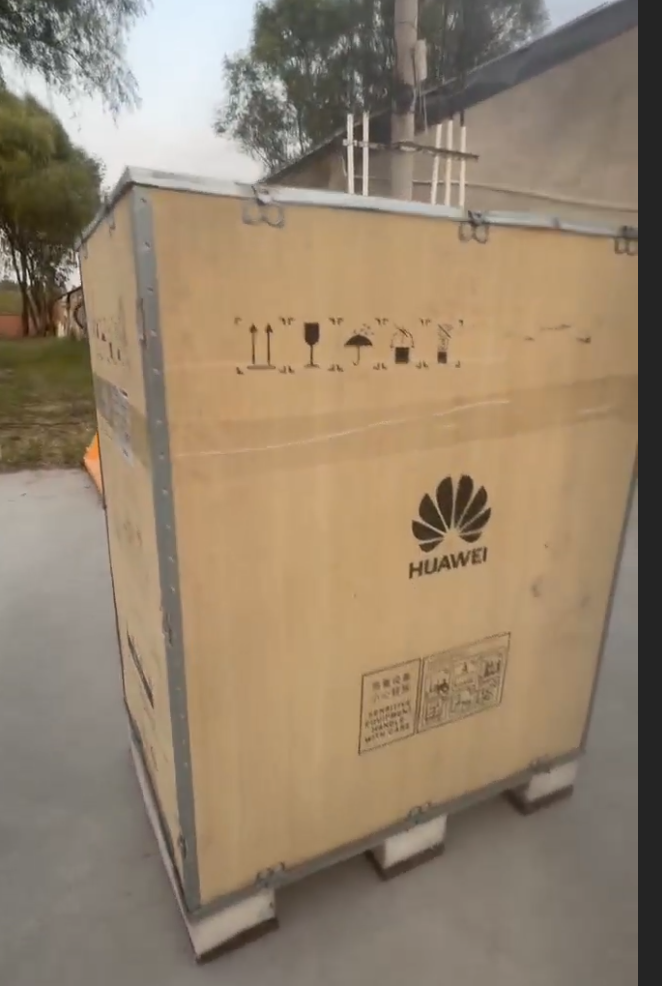
- Packaging method
- Warranty or DOA terms
For a chassis, also record every occupied slot and every included power, fan, control, switching and service module.
Questions to Ask Before Requesting a Quotation
To receive an accurate quotation, send the supplier:
- Exact Huawei PN or BOM code
- Board model and silk-screen name
- Required quantity
- Chassis model
- Current system software version
- Required interface type
- Required optical modules
- New, used or refurbished condition
- Destination country
- Preferred Incoterm
- Required delivery date
- Photographs of the existing equipment
A request such as “Please quote one NE40E board” is not sufficient. A request such as “Please quote CR5D00E8NB70, PN shown in the attached photograph, for an NE40E-X8A running V800R024C10SPC500” gives the supplier enough information to begin a meaningful compatibility check.
Frequently Asked Questions
Can an NE40E board be selected only by its front-panel name?
No. Use the front-panel name together with the full board model, BOM code, chassis model and software version.
Are all NE40E line cards hot-swappable?
Do not assume so. Removal procedures vary by board and system state. Some documented boards include an OFL button and indicator that must be used before removal. Follow the instructions for the exact board, such as Huawei's documented board removal procedure, and have qualified personnel perform the work.
Can an older NE40E chassis use a newer high-capacity LPU?
Possibly, but only if Huawei's compatibility information confirms support. A software upgrade, power-module upgrade, fan upgrade or operating-mode change may be required.
Does a replacement MPU automatically keep the existing license?
Not necessarily. Huawei documentation indicates that license activation can be related to the ESN of the main control board. Verify license migration or re-application requirements before replacement.
Are optical modules included with an NE40E line card?
Not unless the quotation explicitly lists them. Confirm every required optical-module model and quantity separately.
Is an X8A board automatically compatible with the X16A?
No. Compatibility must be checked using the full board BOM, chassis model and software version.
Conclusion
The Huawei NE40E is a modular routing platform with multiple chassis generations, control boards, switching fabrics, line-processing units, flexible cards, power modules, fan modules and optical interfaces.
This modularity provides deployment flexibility, but it also makes spare-parts procurement highly dependent on exact identification and compatibility checking.
Before ordering, verify at minimum:
- Chassis model
- Full board model
- Huawei BOM code
- Hardware revision
- System software release
- Slot and board-mixing restrictions
- Power and cooling requirements
- License requirements
- Optical-module compatibility
- Product condition and test results
A correct BOM is the beginning of the verification process—not the end.
Request a Huawei NE40E Spare-Parts Quotation
Zejiuheng Trade supplies telecom network equipment and spare parts for Huawei, ZTE, Ericsson, Nokia, Juniper and Alcatel-Lucent systems.
Available product categories include:
- NE40E chassis and router boards
- MPUs, SRUs, SFUs and LPUs
- Flexible cards and interface subcards
- Power and fan modules
- Optical transceivers
- BBU, RRU, AAU and BTS boards
- OLT, OSN, PTN and DWDM equipment
- Telecom cables, antennas and connectors
To request a quotation, send us:
- The exact PN or BOM code
- Required quantity
- Chassis model
- Software version, if available
- Product condition required
- Destination country
- A clear photograph of the original product label
Website: zejiuhengtrade.com
Alternative catalog: enkentrade.com
Zejiuheng Trade and Enken Trade are independent suppliers and are not affiliated with Huawei Technologies Co., Ltd. Huawei and NetEngine are trademarks of their respective owner.
Editorial and Source Note
This guide was prepared using Huawei's publicly accessible product pages, support documentation and hardware-mapping resources. Because hardware mappings and software support can change, readers should verify the exact product and release in the official Huawei NE40E Support Center before making a purchasing or installation decision.
)