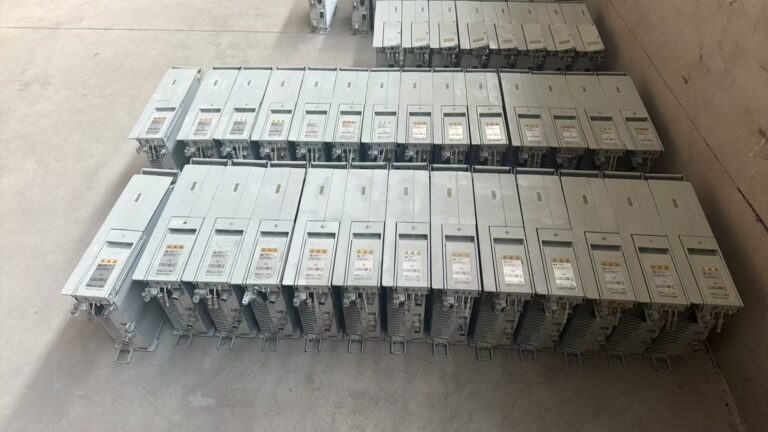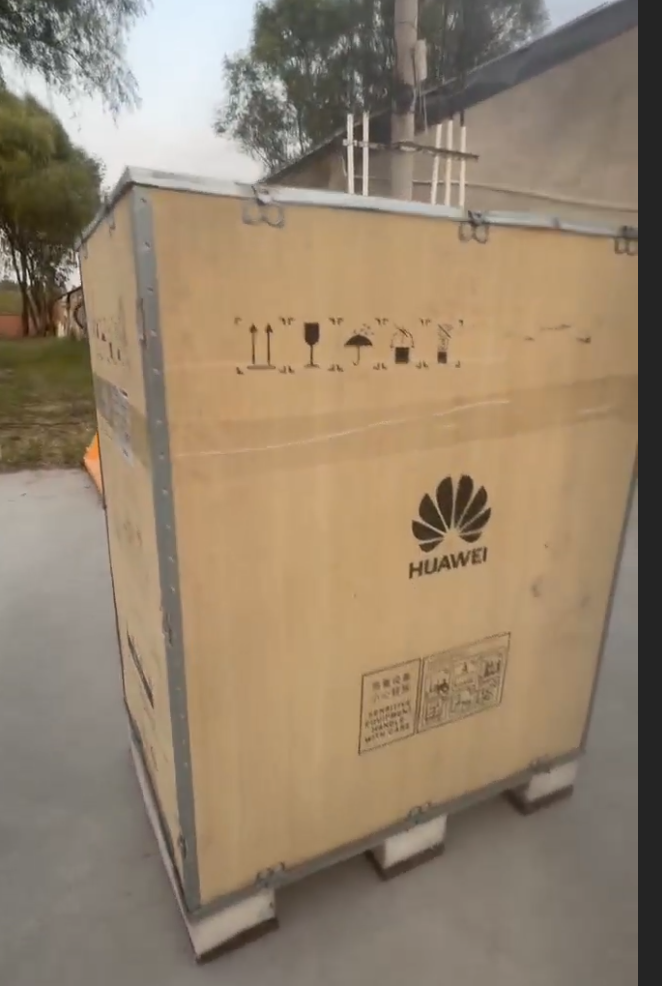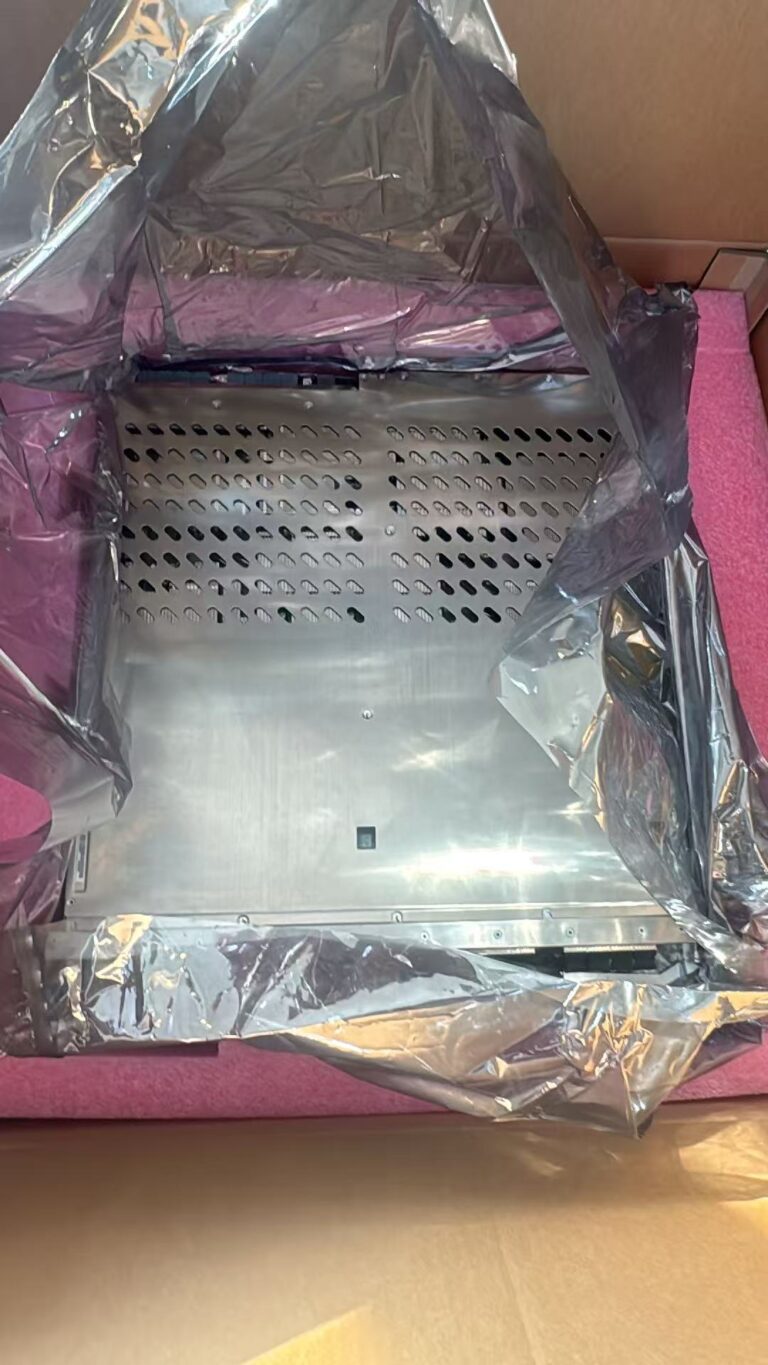
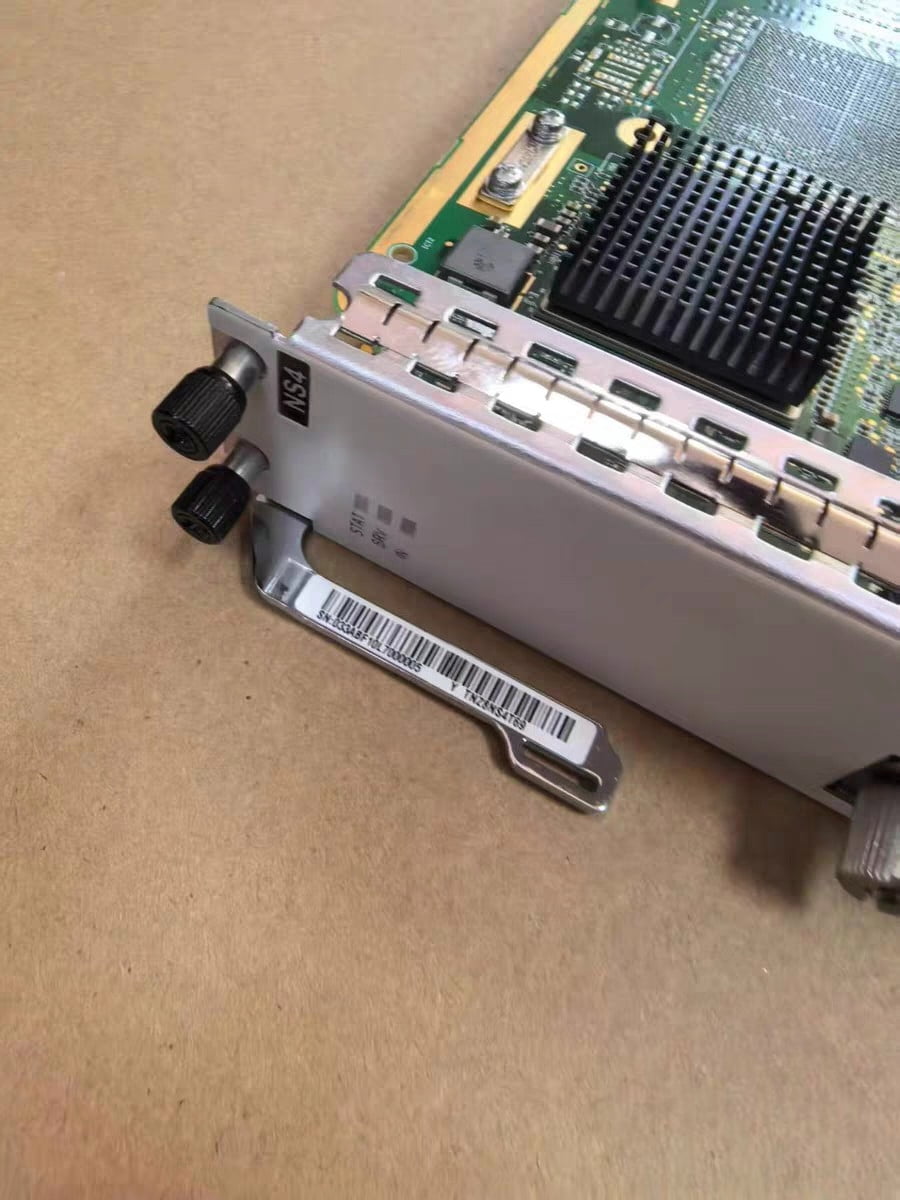

As a telecom spare parts supplier based in China, we often receive inquiries for Huawei BBU, RRU, AAU, board cards, OLT, OSN, RTN, DWDM and other telecom equipment.
Among these products, Huawei BBU spare parts are one of the most common requests from maintenance companies, system integrators and telecom buyers. Many customers contact us when their site has a fault and they need a replacement board or module urgently.
However, in our daily work, we also find that a “BBU fault” does not always mean the BBU itself is broken. Sometimes the real problem comes from power supply, optical fiber, RRU connection, transmission link, software configuration or wrong board version.
That is why troubleshooting is important before purchasing replacement Huawei BBU spare parts.
What Is Huawei BBU?
BBU means Baseband Unit. It handles the digital baseband processing part of a mobile base station system.
In a distributed base station architecture, the BBU is usually installed in an equipment room or cabinet, while the RRU is installed near the antenna. The BBU and RRU are connected through fiber-based fronthaul links. The CPRI fronthaul link is commonly used to connect radio equipment control and radio equipment in mobile base station systems.
In many Huawei networks, BBU equipment works together with RRU, AAU, transmission equipment, power modules and network management systems.
Why BBU Troubleshooting Matters Before Buying Spare Parts
From a supplier’s point of view, this is one of the most important points.
Many buyers send us only a short message such as:
- Need Huawei BBU board
- Need UBBP board
- Need BBU5900 spare parts
- Site down, urgent
But for accurate quotation, this information is not enough.
Huawei BBU systems may use different boards, part numbers, hardware versions and software environments. If the buyer purchases the wrong board, it may not solve the fault, even if the model name looks similar.
Before buying a replacement BBU board, buyers should first confirm:
- exact alarm information
- installed BBU platform
- board model
- part number
- hardware version
- slot position
- software version requirement
- whether the fault is confirmed as hardware failure
This helps reduce wrong purchases and saves time for both buyer and supplier.
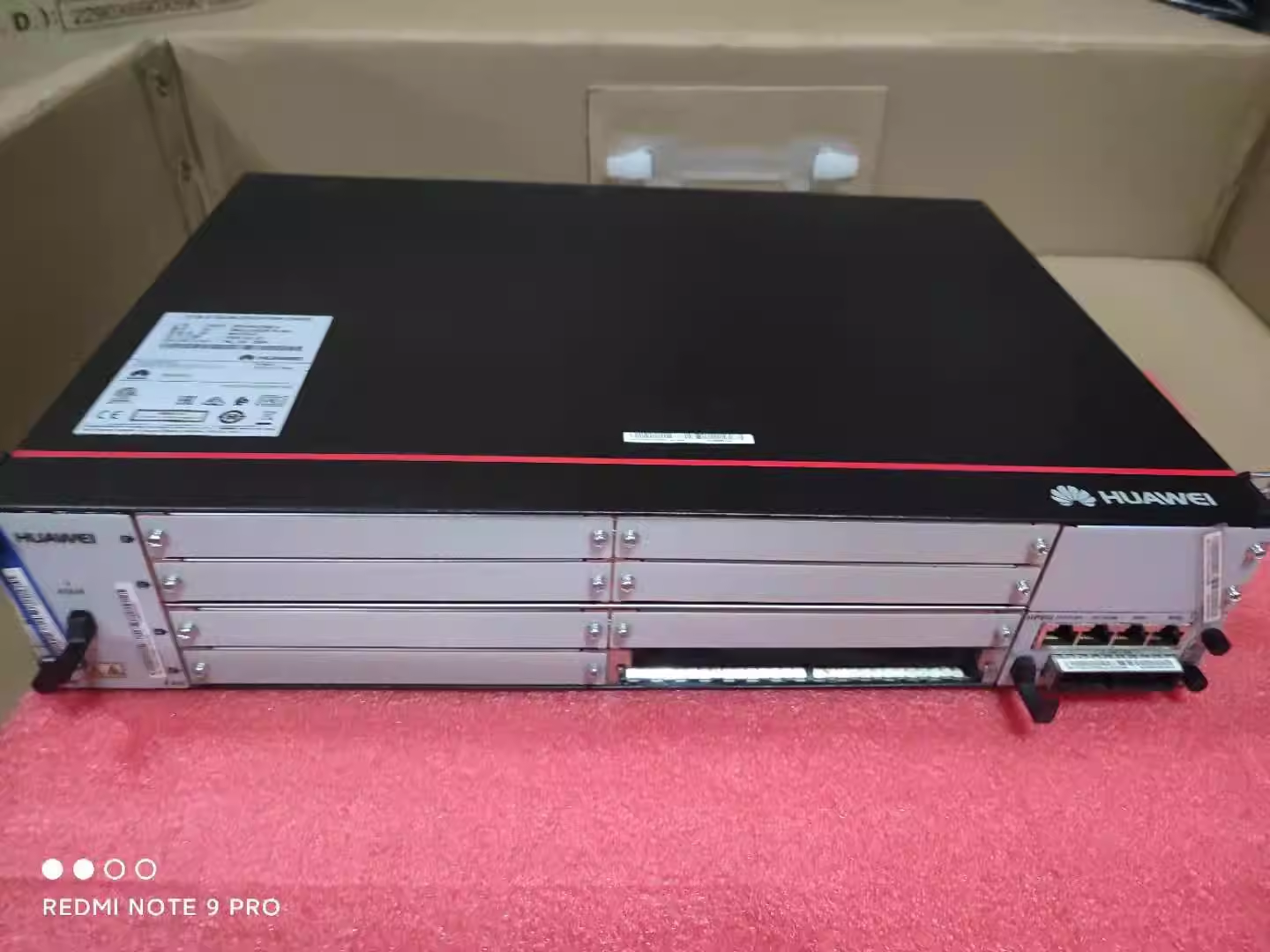
Common Huawei BBU Fault Types
Huawei BBU-related faults may include:
- power supply failure
- main control board failure
- baseband processing board failure
- optical port or CPRI link failure
- transmission link failure
- fan or temperature alarm
- clock or synchronization issue
- software or configuration mismatch
- loose cable or poor connector contact
- faulty optical module
- wrong hardware version
A BBU alarm does not always mean the BBU itself needs to be replaced. The root cause should be checked carefully.
Power Supply Faults
Power problems are common in telecom sites.
Possible symptoms include:
- BBU cannot power on
- board indicator is off
- repeated reboot
- power alarm
- unstable operation
- module not detected
Basic checks may include:
- confirm DC power input
- check power cable connection
- check power module condition
- confirm cabinet power distribution
- inspect loose connectors or damaged cables
- check whether other equipment at the same site has power issues
In the secondary market, some BBU units are sold without power modules, fan units or accessories. Buyers should confirm what is included before placing an order.
Board Failure
Huawei BBU systems include different boards and modules. Common BBU spare parts may include:
- main control boards
- baseband processing boards
- transmission boards
- power modules
- fan modules
- interface boards
- optical modules
- cables and accessories
Board-related symptoms may include:
- board not detected
- board alarm
- boot failure
- port failure
- abnormal indicator status
- service interruption
From our experience, customers should not only ask for the board name. They should provide the serial label photo if possible.
For example, a buyer may ask for “UBBP board”, but UBBP has different versions and part numbers. The correct version depends on the BBU platform and network requirement.
CPRI or Optical Port Failure
The BBU and RRU are connected through optical fiber. If the optical link has a problem, the site may show RRU offline, CPRI link failure or abnormal service.
Possible causes include:
- faulty optical module
- wrong optical module type
- dirty fiber connector
- damaged fiber patch cord
- wrong TX/RX connection
- low optical power
- RRU-side fault
- BBU-side optical port fault
Fiber connector condition is important. Dirty or damaged connectors can increase signal loss. The importance of fiber connector cleaning is widely recognized in fiber-optic maintenance because contamination can affect optical performance.
Basic troubleshooting may include:
- check optical module model
- clean fiber connectors
- replace fiber patch cord
- check TX/RX direction
- confirm optical power if test tools are available
- swap optical modules for comparison
- confirm RRU power and status
- check whether the port is enabled in configuration
For spare parts buyers, this means the problem may not always require replacing the BBU board. Sometimes the optical module, fiber cable or RRU side should be checked first.
Transmission Link Faults
Sometimes the BBU is working normally, but the transmission link to the core network or transport network has a problem.
Possible symptoms include:
- site offline
- service unavailable
- abnormal traffic
- transmission alarm
- IP route or VLAN issue
- S1/X2 or backhaul link problem
Basic checks may include:
- confirm transmission cable connection
- check Ethernet or optical transmission port
- confirm VLAN/IP settings
- check router, switch or transmission equipment status
- confirm upstream network availability
In this case, replacing a BBU board may not solve the problem. Transmission equipment such as PTN, OSN, OLT, router or switch should also be checked.
Fan and Temperature Alarms
BBU equipment needs a stable operating environment. Poor ventilation, fan failure or cabinet overheating may cause alarms and affect equipment stability.
Possible causes include:
- fan module failure
- blocked air inlet or outlet
- dust accumulation
- high cabinet temperature
- air conditioner failure
- equipment room environment issue
For second-hand Huawei BBU equipment, fan units and physical condition should be checked before shipment.
Clock and Synchronization Issues
Base station systems require accurate timing and synchronization. If clock or synchronization fails, network performance may be affected.
Possible causes include:
- GPS or clock source failure
- synchronization cable issue
- configuration mismatch
- transmission timing issue
- board or port fault
If the required BBU board is related to clock or transmission functions, the exact model and hardware version should be confirmed carefully.
Software or Configuration Mismatch
Not every Huawei BBU board can be used in every BBU system.
Problems may happen when:
- hardware version is not supported
- software version is not compatible
- board type does not match the slot
- configuration is missing
- license or feature requirement is not met
- replacement board has different parameters
This is a common risk in used telecom equipment sourcing. A board may be physically good, but still not suitable for the customer’s system.
That is why buyers should confirm the installed platform, board model, part number and hardware version before purchasing.
What We Usually Ask Buyers Before Quotation
As a supplier, when we receive a Huawei BBU inquiry, we usually ask the buyer to provide more details.
A practical RFQ should include:
Brand: Huawei
BBU Platform: BBU3900 / BBU5900 / other
Board Model:
Part Number:
Hardware Version:
Quantity:
Condition: New / Used / Refurbished
Fault Symptom:
Need Test Video: Yes / No
Need Serial Label Photos: Yes / No
Destination Country:
Required Lead Time:
If the buyer has alarm screenshots, board label photos or site photos, these can help us identify the correct item faster.
Used and Refurbished Huawei BBU Spare Parts
Used and refurbished Huawei BBU spare parts are common in telecom maintenance projects. They are often more cost-effective than new units, especially for discontinued or hard-to-find models.
However, buyers should request:
- actual product photos
- serial label photos
- part number confirmation
- hardware version confirmation
- condition confirmation
- basic power-on or functional test if available
- test video upon request
- packing photos before shipment
- warranty terms
For used telecom equipment, minor scratches, label marks or signs of previous installation may exist. These should be confirmed before shipment, but they are not always functional defects if the unit pas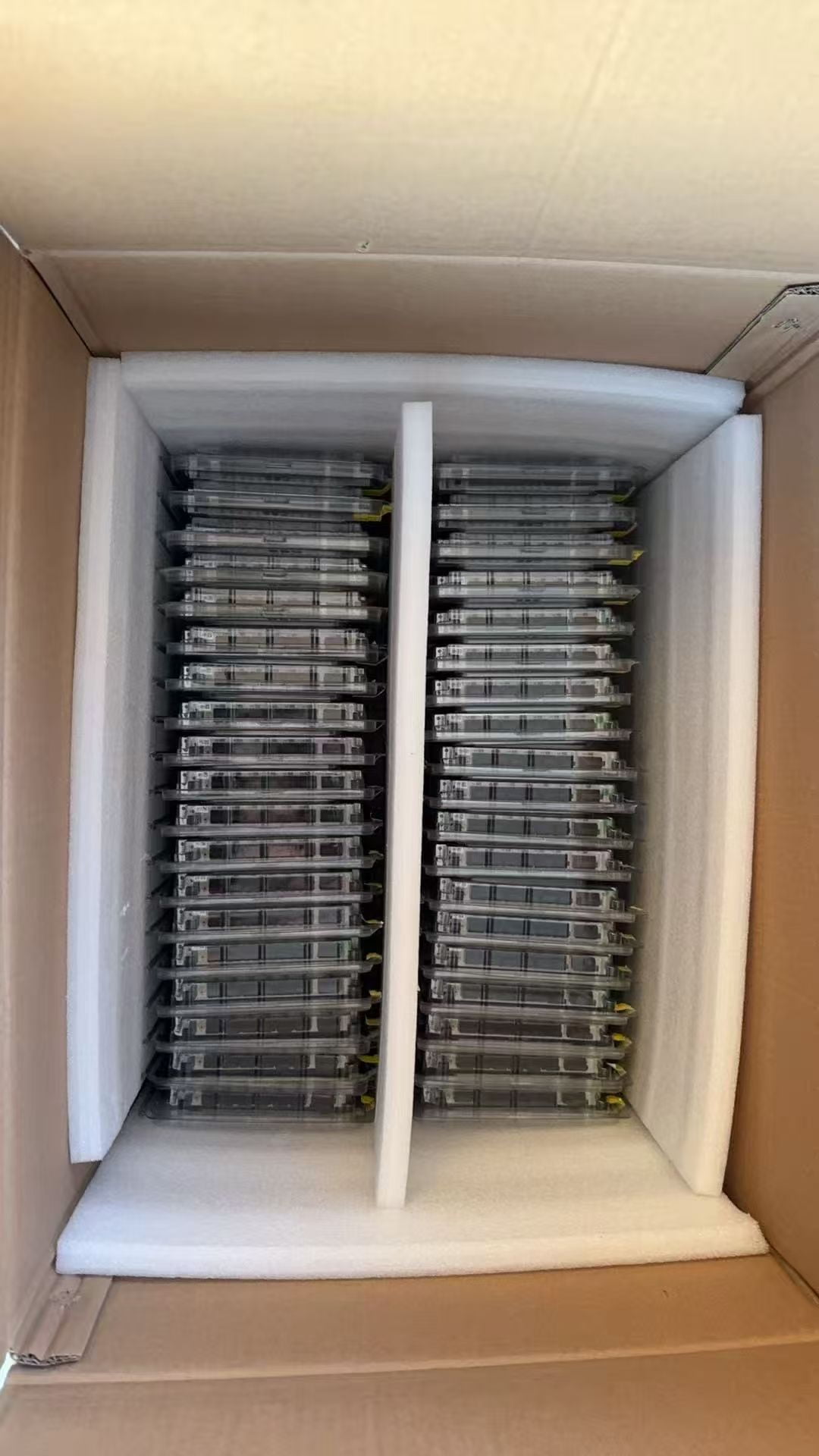 ses testing.
Our Practical Suggestion for Buyers
If you are buying Huawei BBU spare parts from the secondary market, do not only compare price.
A very low price may mean:
- wrong board version
- unclear condition
- no testing
- no label confirmation
- missing accessories
- unstable stock
- no warranty support
For urgent maintenance projects, the correct model and reliable supply are often more important than the lowest price.
Before payment, buyers should confirm:
- exact model
- PN / item code
- hardware version
- condition
- testing possibility
- lead time
- warranty
- packing method
- shipping method
This makes the transaction safer for both sides.
Huawei BBU Spare Parts Sourcing Support
Baoding Enken Trading Company supports international buyers with Huawei, ZTE, Ericsson, Nokia and Juniper telecom spare parts sourcing from China’s secondary market.
Our main products include:
- BBU
- RRU
- AAU
- BTS cards
- board cards
- OLT
- OSN
- PTN
- RTN
- DWDM
- core routers
- cables, antennas and connectors
For Huawei BBU spare parts, we can help check:
- availability
- exact model confirmation
- part number confirmation
- new, used and refurbished options
- serial label photos
- condition confirmation
- basic functional testing when possible
- secure export packing
- international shipping support
If you are looking for Huawei BBU boards, power modules, fan modules, transmission boards or related spare parts, please send us the exact model, part number, quantity and destination country.
Frequently Asked Questions
Does a BBU alarm always mean the BBU is faulty?
No. A BBU-related alarm may be caused by power supply, optical fiber, RRU, transmission link, software configuration or site environment. Troubleshooting should be done before replacing hardware.
Can used Huawei BBU boards be tested before shipment?
Testing depends on the board type and available test environment. For used or refurbished equipment, buyers should request label photos, condition confirmation and test evidence when possible.
Why is the part number important?
The same board name may have different hardware versions or item codes. Part number and serial label photos help confirm the exact item before quotation.
Can one Huawei BBU board replace another?
Not always. Compatibility depends on platform, slot, software version, hardware version and configuration requirements.
What information is needed for a Huawei BBU quotation?
The most important information includes BBU platform, board model, part number, hardware version, quantity, required condition and destination country.
Request a Quote
Looking for Huawei BBU spare parts?
Send us your RFQ with model number, part number, quantity, required condition and destination country. We will check availability from stock and China’s telecom secondary market. https://zejiuhengtrade.com/tp_category/bbu/